

Library
Library is the home for your owned content. It combines performance metrics, editing, and content planning into one view, so you can see how your pages are doing, refresh the ones that need work, and plan what’s next without switching tools. Library brings together every signal Gauge tracks about your pages: Google Search impressions and clicks, bot traffic from server logs, AI traffic measured via Google Analytics, and citation metrics from Gauge.Sitemap View
Library is organized around your sitemap, pulled directly from your CMS (for example, Webflow). The top level shows your site’s directories. Clicking into one reveals every published post in that section. For each post you can see:- Google Search impressions and clicks
- AI traffic from Google Analytics
- Citation rate from Gauge
- Bot traffic from server logs
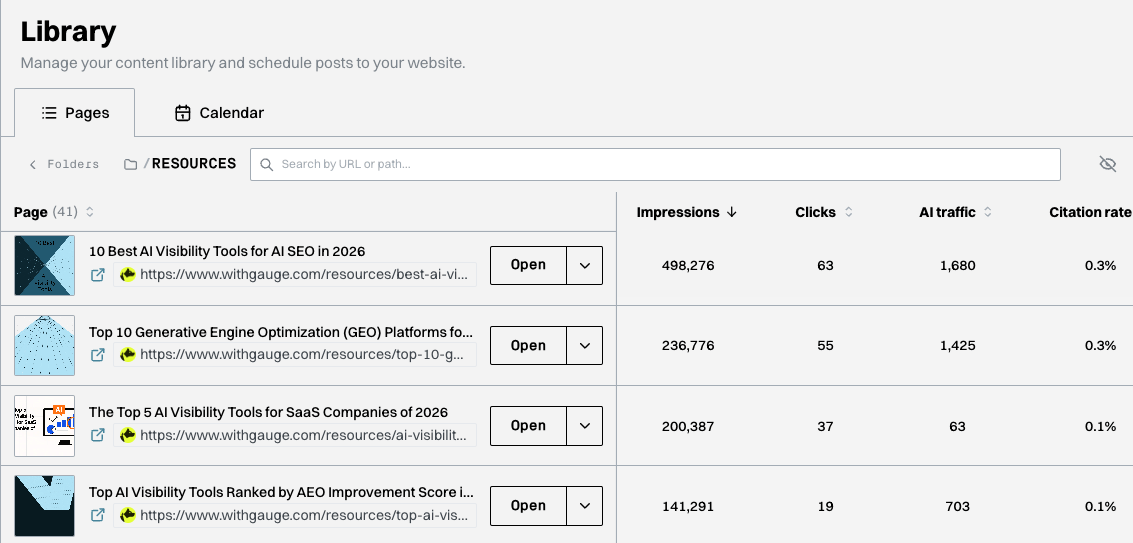
The Pages view inside a sitemap folder
Editing Existing Content
Clicking Open on any page takes you into an editor inside Ask Gauge. From there you can edit the piece directly, or ask Gauge to edit it for you, for example refreshing it with new data or rewriting sections to target a specific prompt.Creating New Content
To start a new piece, click Start Fresh. This drops you into the same editor with a blank slate, where you can write the piece yourself or ask Ask Gauge to draft it for you. For a step-by-step workflow, follow Publish and measure content.Content Calendar
Calendar is where your team plans and tracks content work. A planning date is not confirmation that a page is live; check the publication status and destination URL separately. You can see every piece that’s in flight, queued up, or scheduled, alongside what your teammates are working on. Each piece shows its format (listicle, freeform article, instructional, etc.) so you can see the mix at a glance. Content calendars are how content teams collaborate, so Gauge keeps yours in the same place as the rest of your content work rather than in a separate doc or tool.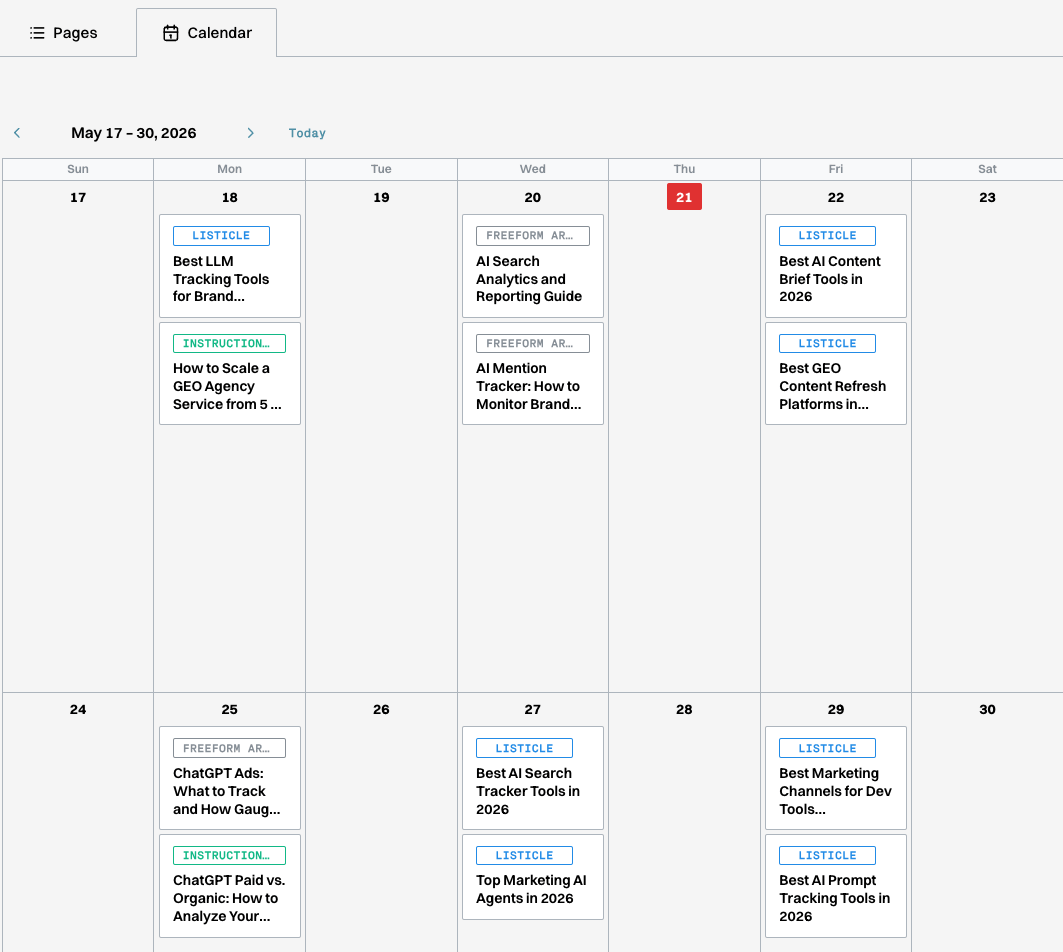
The Calendar view showing pieces scheduled by day and format
Next Lesson →
AI Traffic